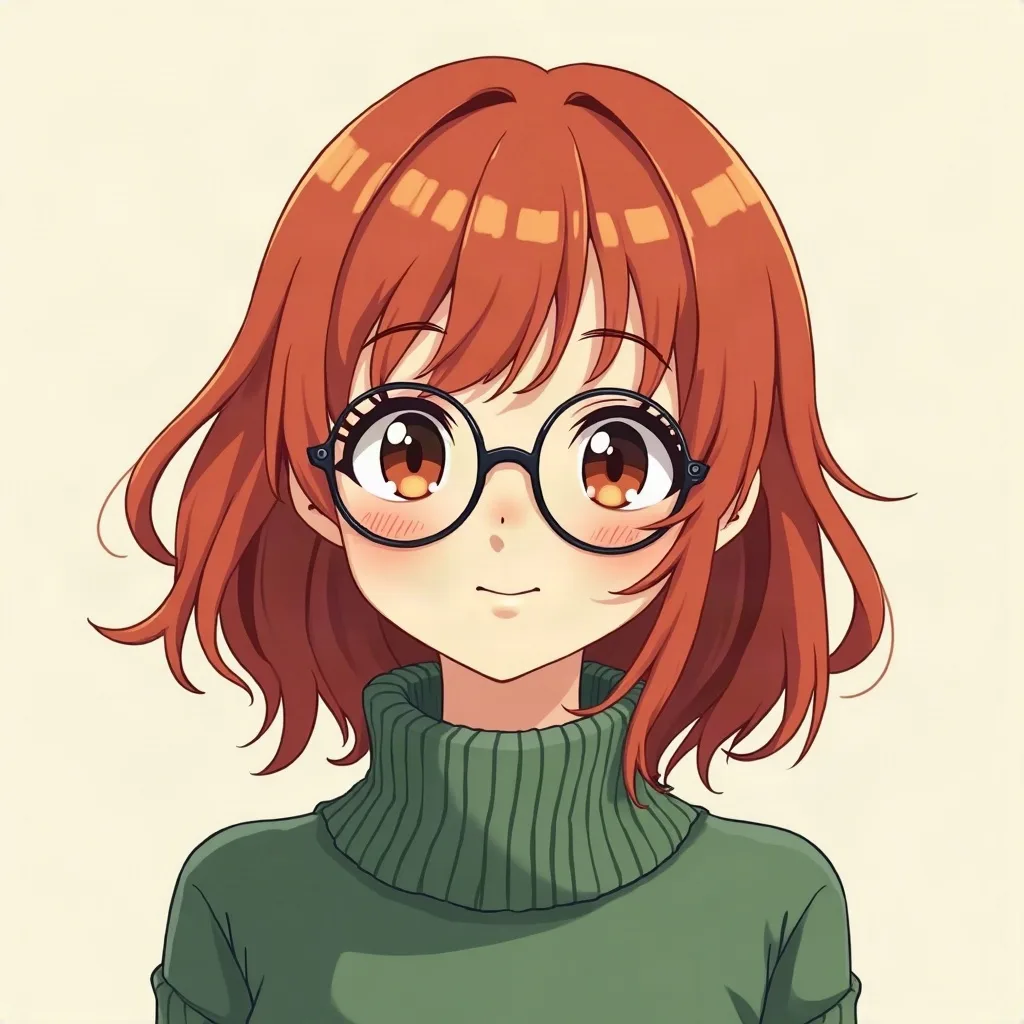
a red-haired girl with round glasses, cozy green sweater, soft smile
AI character creator
Describe the character in one sentence, choose a style, and get two 1024 px originals. No photo upload — every character is fictional.
Fills the box with a random original character. Change one detail, then create.
4 credits for two characters 30 free credits to start
Example output
1024 px a red-haired girl with round glasses, cozy green sweater, soft smile

a calm swordsman with a silver ponytail facing the viewer, wind in his hair
Sketching…
WorkingYour avatars
Saved to your Dashboard. Click Make it talk to give your character a voice.
Something went wrong.
Built for the next step
A character that faces the camera with a visible mouth is one you can turn into a talking video later. Add “front-facing, plain background” to the prompt if you plan to give them a voice.
Prompts and characters are private. Never used to train models.
The next step
A portrait is the starting point. The same character can read a line in a short talking video.
01
Write one sentence: who the character is, what they wear, one prop and the expression. Pick a style chip — anime, 3D, pixel, fantasy and four more.
02
Two 1024 × 1024 variations arrive together. Keep the expression that works; a Make it talk link sits under each result.
03
Write a script of up to 400 characters, choose one of 8 voices, and render an MP4 — usually in 3–5 minutes for short clips. The first clip on a new account is free — up to ~5 s / 75 characters — while the launch offer lasts.
Same character, five lines
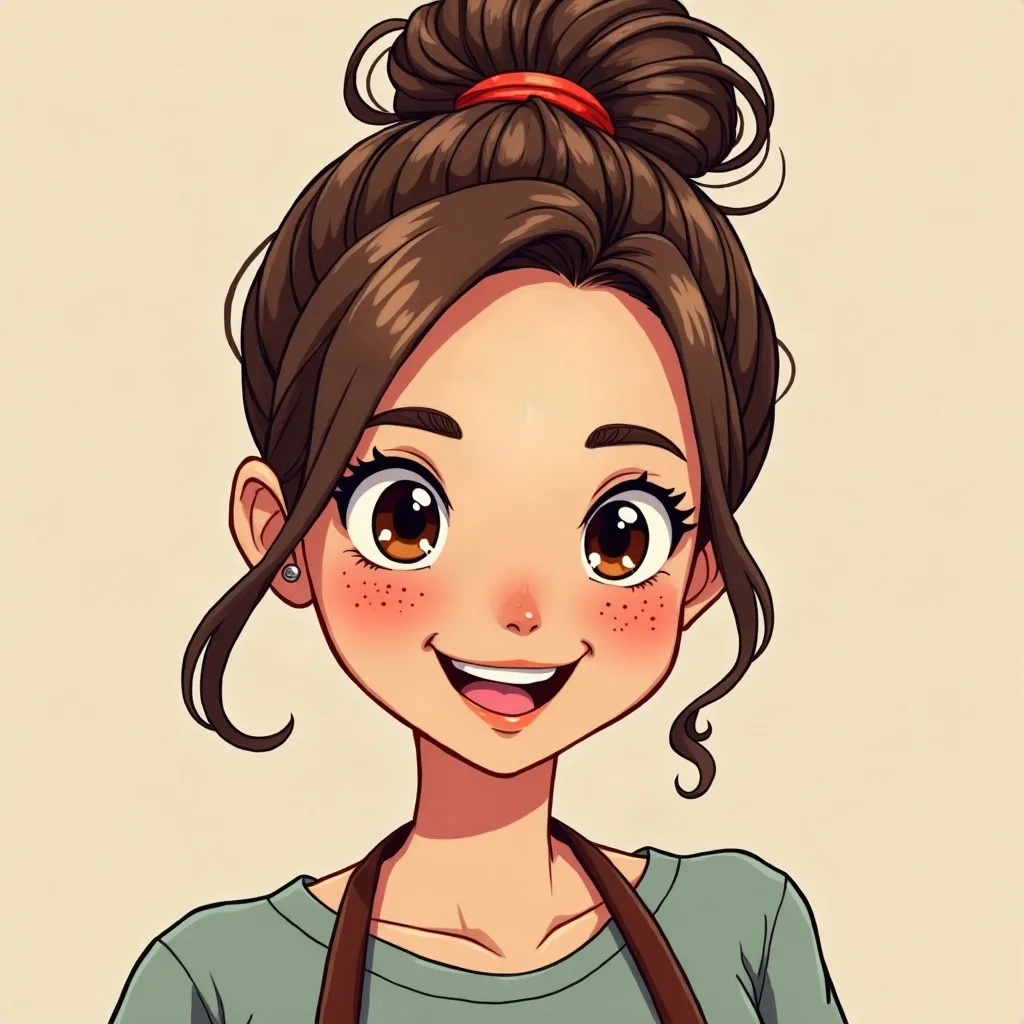
All five clips below use the same character image, “a cheerful barista with freckles and a messy bun” from our examples, generated once and then reused. Only the script changes. Each one is the raw MP4 from the same pipeline the talking avatar tool uses, with the Lively Girl voice.
Channel intro
“Hi, I'm Mika, and this is Coffee Break, the channel for slow mornings.”
4.9 s of speech · same character image
Greeting
“Good morning, everyone! It's really nice to see you here again.”
5.0 s of speech · same character image
Product announcement
“Big news: our new oat milk latte is on the menu from this Friday.”
5.5 s of speech · same character image
Short joke
“Why did the coffee call the police? Because it got mugged.”
4.0 s of speech · same character image
Sign-off
“That's all for today. Thanks for watching, and see you next week!”
4.2 s of speech · same character image
To keep a character consistent, reuse the same image for every video. Generating again from the same text prompt gives you a new, different character, not the same one.
Examples
Every face below is fictional — generated on AvatarSay from the prompt printed under it, not a photo of a real person. Click any example to load that prompt into the generator above and change a detail.
Prompt notes
These apply to every style. The same prompt in another style will produce something different.
A wooden spoon, a compass, a guitar pick. One object suggests a job or a habit faster than a paragraph of backstory, and it gives the portrait a natural place to put the hands.
“A retired boxer with a crooked nose and a friendly smile” gives the model something to draw. A character name from a show only gives it a trademark to imitate, and moderation may block it.
Pick a coat, a hoodie or an apron, then hold the palette to two or three colors. A busy costume competes with the face and turns into texture at small sizes.
The talking video animates the face and mouth. A sharp profile, a hand over the chin or a mask leaves nothing to animate. Add “front-facing, plain background” to the prompt.
Use the style chip for the art style and spend the text on who the character is: age, build, outfit, one prop, expression. Repeating the style in the text spends words that could make the character yours.
Good to know
A few questions
Something not covered? Email support@avatarsay.com. A person replies, usually within one business day.
Describe it, keep the one you like, then let it say hello.