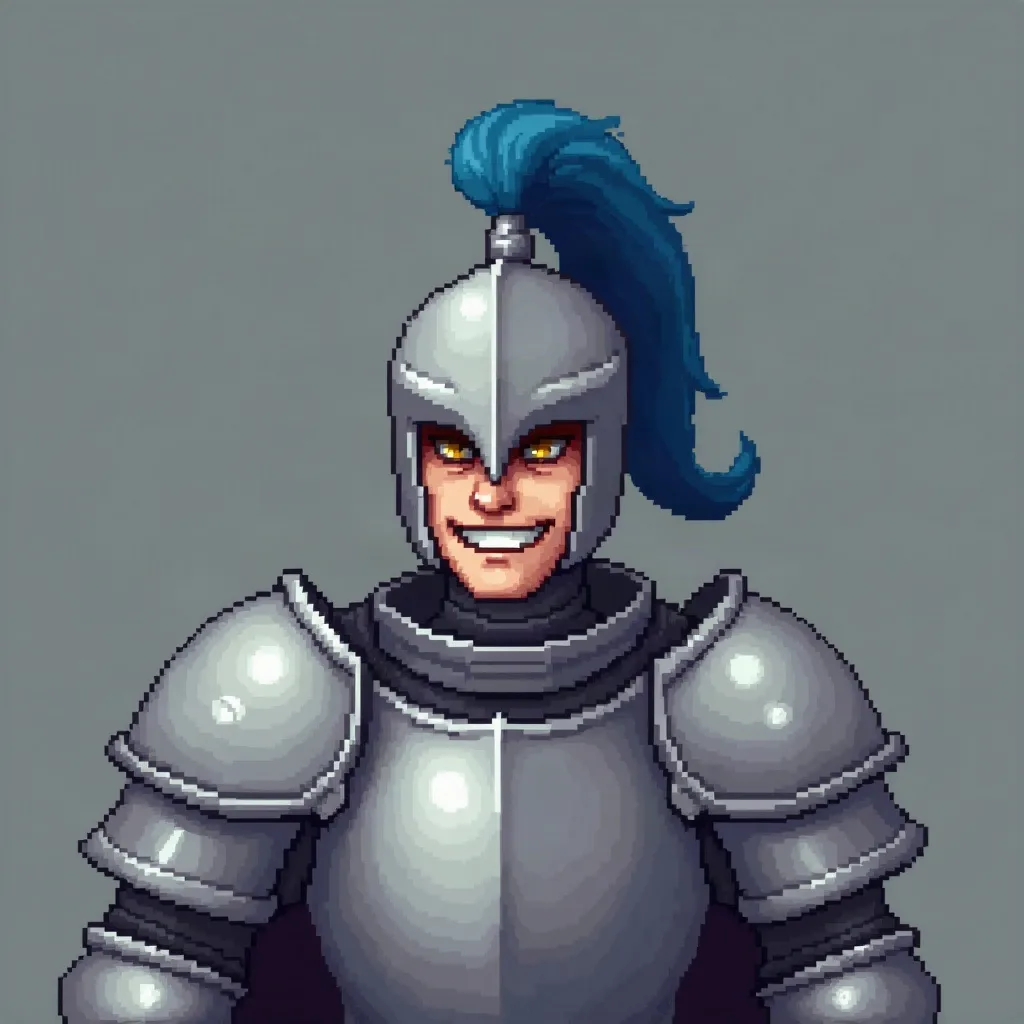
a knight with a blue plume and a crooked grin
Style guide
Limited palette, hard edges, one unmistakable silhouette. Small by design, not by accident.
4 credits for two avatars 30 free credits to start
Why this style works
A strict palette and a strong outline are made for the smallest profile picture on the page.
Uploads and prompts are private. Never used to train models.
A recent example
Example a knight with a blue plume and a crooked grin
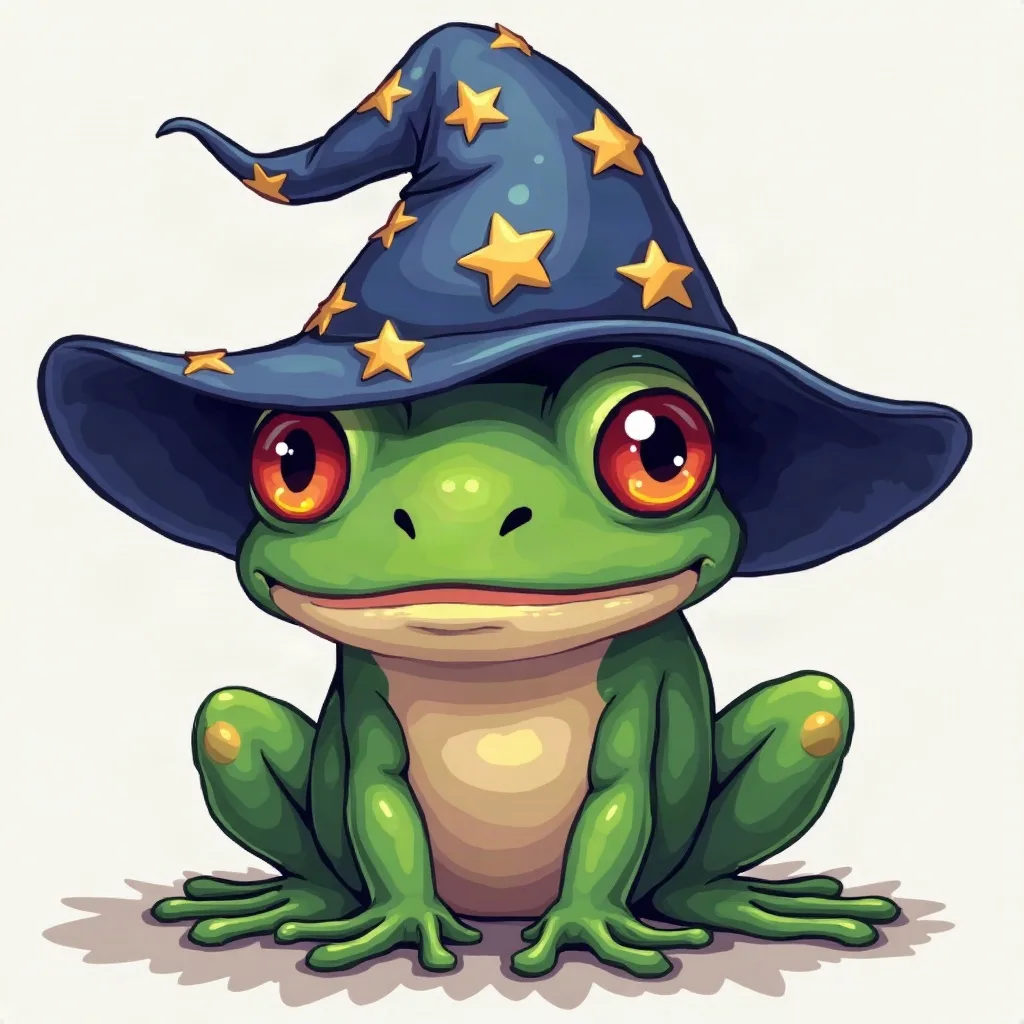
a wizard frog with a starry hat
Sketching…
WorkingYour avatars
Saved to your Dashboard. Click Make it talk to give either one a voice.
Something went wrong.
Using the style
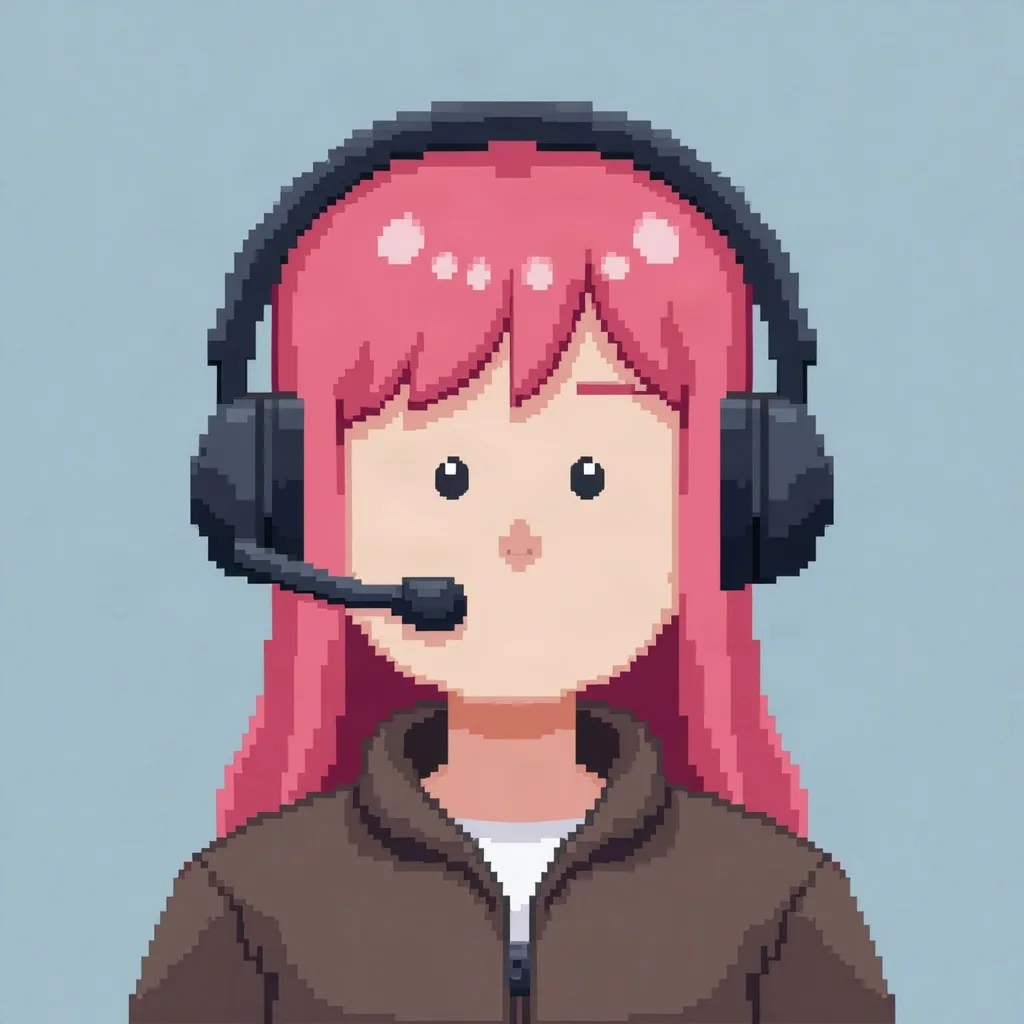
Pixel art is a constraint, and that is the point. At 40 pixels a good pixel avatar is mostly silhouette: a helmet, a high ponytail, a pointed hat, a headset. Ask for a limited palette and crisp, hard edges; the renderer should not anti-alias the whole face into mush. Keep the crop tight and centered, because shrinking a busy scene turns it into confetti. Contrast matters more than hue — a bright plume against a dark hood reads instantly.
Pixel avatars also age well: they feel intentional rather than trendy. The best ones look like they came from a game that never existed. Describe the character as a sprite: “a knight with a blue plume and a crooked grin, 64×64 sprite style”. If you plan to use the image as a talking video, treat the still avatar as the main artifact. Pixel faces can look strange when animated, so use the video as a playful extra rather than the primary thing.
Prompt notes
These are specific to pixel art. The same prompt in another style will produce something different.
Ask for six to eight colors. A constrained palette forces contrast and makes the image feel like a coherent sprite instead of a painting with square pixels.
Words like “crisp pixels, no anti-aliasing, hard color blocks” help. Soft edges are what make generated pixel art look like a low-resolution photo.
A hat, a plume, a hood, a headset. If the outline is not readable as a black shape, no amount of palette work will save the tiny version.
Think 64×64 sprite framed in a square. Centered faces and shoulders crop cleanly to circles on Discord and Twitch without losing the props.
Letters and dither patterns collapse into noise below 48 pixels. Use shape and color contrast instead.
Examples

A few questions
Something not covered? Email support@avatarsay.com. A person replies, usually within one business day.
Keep looking