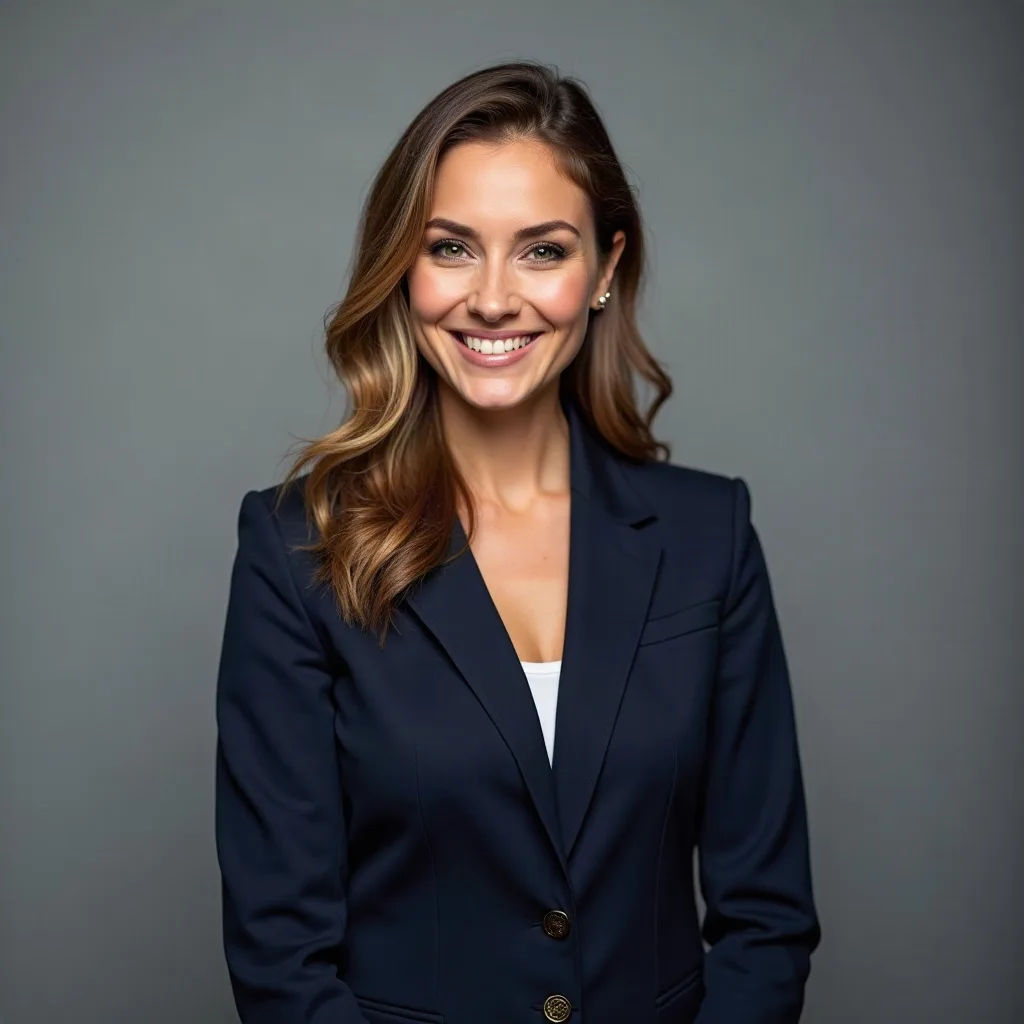
a confident woman in a navy blazer, grey backdrop
Use case
Plain light, a calm expression, and a face that holds up in a comment thread.
4 credits for two avatars 30 free credits to start
Why this preset
Professional headshot keeps the light even and the face large, which is what a work profile needs. It is preselected below.
Uploads and prompts are private. Never used to train models.
A recent example
Example a confident woman in a navy blazer, grey backdrop

a smiling man in a white shirt, soft studio light
Sketching…
WorkingYour avatars
Saved to your Dashboard. Click Make it talk to give either one a voice.
Something went wrong.
The practical case
A LinkedIn photo is read quickly and judged as a person, not as art. The face should be large in the frame, the expression approachable, the background simple, and the clothing deliberate but not distracting. Professional headshot and realistic styles work best here. Ask for a plain backdrop, soft window or studio light, and a role-specific detail — a blazer, a collar, a knit sweater. Avoid sunglasses, heavy shadows, and busy offices.
The image should still look like the same person at 80 pixels in a comment thread. If you plan to use it for a team page, generate a small set with the same background and light so the row looks intentional rather than assembled from eight different shoots. Important: our images are fictional portraits, not photographs of you. Use them for illustrated professional identity where that is appropriate; use a real photo when your actual likeness matters.
Prompt notes
These are specific to professional headshot. The same prompt in another style will produce something different.
Too small and the face disappears in a comment list; too large and the crop feels like a passport photo. Head and shoulders is the reliable middle.
Warm grey, soft white, a muted wall. A blurred office can read as a stock photo; a plain backdrop reads as a portrait.
A slight smile or a calm neutral expression works better than a dramatic gaze. At 80 pixels, subtlety disappears; choose a clear, warm expression.
A blazer, a collared shirt, a clean knit. Solid colors and simple necklines age better than logos or busy patterns.
These are fictional portraits. Do not imply they are photographs of you. Where AI disclosure is required or expected, disclose it.
Examples

A few questions
Something not covered? Email support@avatarsay.com. A person replies, usually within one business day.
Keep looking