
a red-haired girl with round glasses, cozy green sweater, soft smile
Style guide
Line art, clean silhouettes, and just enough story. Built to survive small profile crops.
4 credits for two avatars 30 free credits to start
Why this style works
Anime simplifies features into shapes, which is exactly what a 40px profile picture needs.
Uploads and prompts are private. Never used to train models.
A recent example
Example a red-haired girl with round glasses, cozy green sweater, soft smile

a calm swordsman with a silver ponytail facing the viewer, wind in his hair
Sketching…
WorkingYour avatars
Saved to your Dashboard. Click Make it talk to give either one a voice.
Something went wrong.
Using the style
Anime is a forgiving style for a profile picture: line art does the work at small sizes. The trick is to ask for a specific character rather than “anime girl” — round glasses, a chipped mug, a scarf that is slightly too big. Those details survive the circle crop and give the avatar a story. We keep faces centered and head-and-shoulders so Discord never cuts an eye in half. Avoid naming existing characters or real actors; describe the person you want instead.
A mid-tone background usually beats a busy scene, especially when the picture is 40 pixels wide in a server list. Clean cel shading reads better than painterly rendering, and a bold hair shape gives people something to recognize before they read the face. If you want a talking version later, a front-facing, unobstructed mouth gives the video model the best chance. Start with a prop and a mood; the style will follow.
Prompt notes
These are specific to anime. The same prompt in another style will produce something different.
“A tired bookseller with ink-stained fingers” gives the model a person. “Anime girl” gives it a category, and categories look generic.
Glasses, headphones, a scarf, a tiny earring. One clear object is legible at avatar size; five objects become noise.
Ask for a strong hair or hat shape. If the outline is recognizable, people will find the face even in a busy server list.
Clean line art and flat-ish shadows hold together when shrunk. Painterly rendering often turns muddy at 40 pixels.
If you want a talking video, keep the character front-facing with an unobstructed mouth. A strong side profile is a beautiful still and a bad lip-sync.
Examples
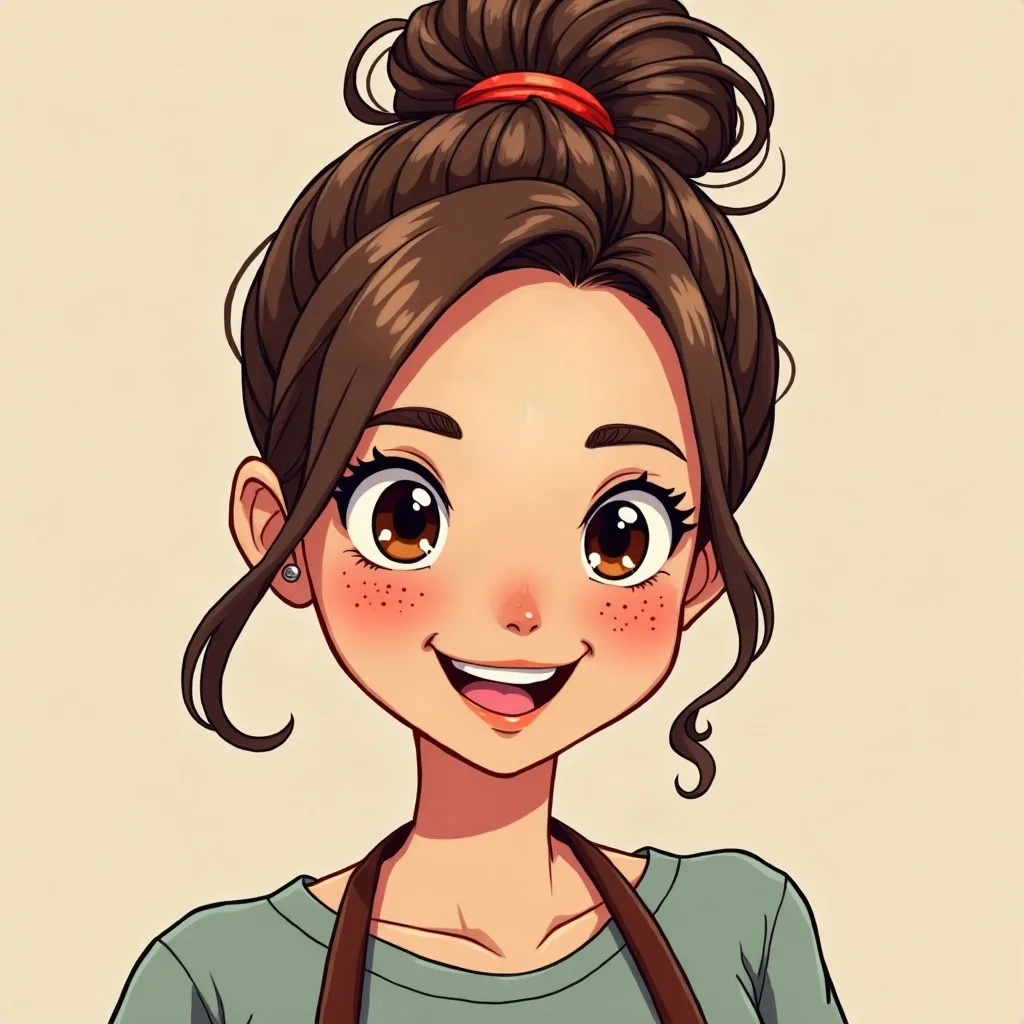
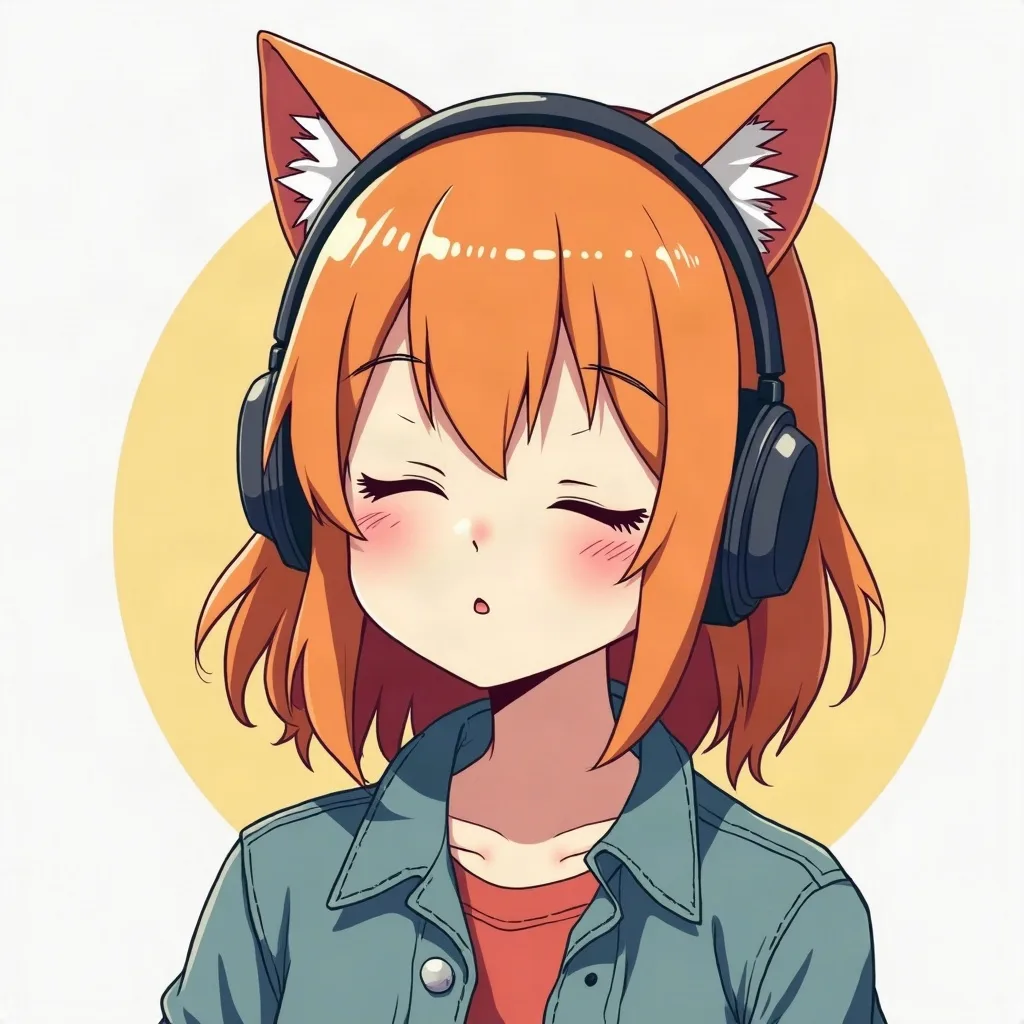
A few questions
Something not covered? Email support@avatarsay.com. A person replies, usually within one business day.
Keep looking