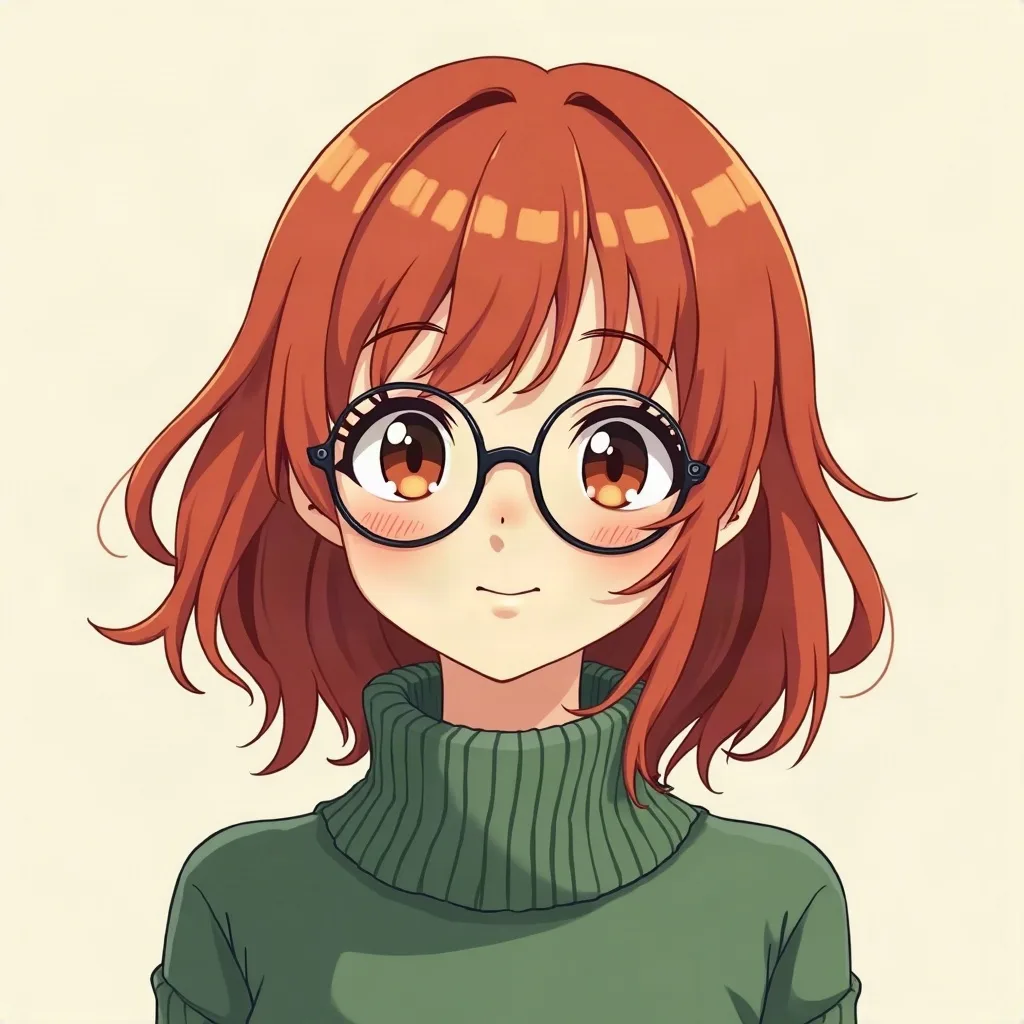
a red-haired girl with round glasses, cozy green sweater, soft smile
Use case
Discord shows you at 40 pixels in a member list. Design for the outline, then the face.
4 credits for two avatars 30 free credits to start
Why this preset
Anime’s clean shapes and strong outlines are the safest bet for a 40px circle. It is preselected below; switch styles any time.
Uploads and prompts are private. Never used to train models.
A recent example
Example a red-haired girl with round glasses, cozy green sweater, soft smile
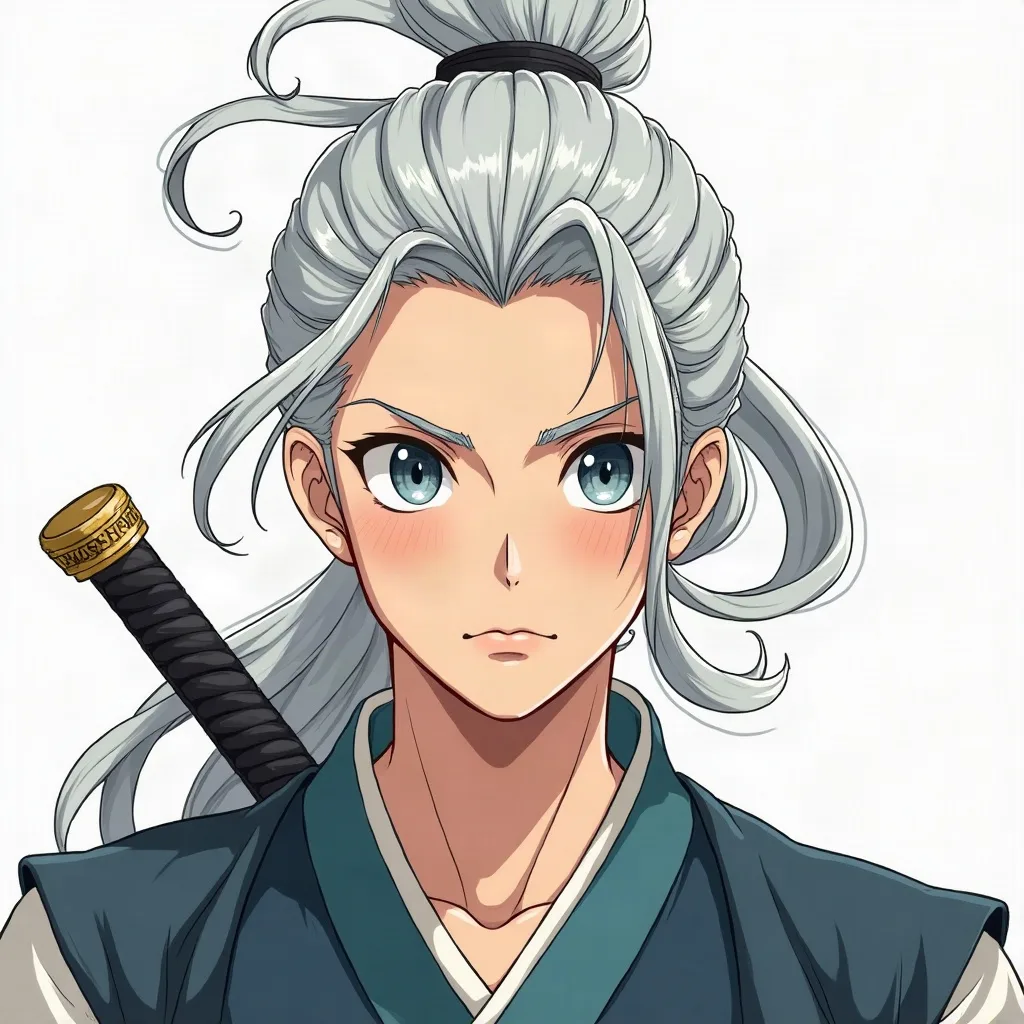
a calm swordsman with a silver ponytail facing the viewer, wind in his hair
Sketching…
WorkingYour avatars
Saved to your Dashboard. Click Make it talk to give either one a voice.
Something went wrong.
The practical case
Discord crops your profile picture into a circle and often shows it at 40 pixels in a member list. That changes what a good avatar is. The outline has to be recognizable before the face is: a strong hair shape, a hat, glasses, a contrasting collar. Keep the eyes near the center of the frame so the circle does not clip them, and avoid important details in the corners. Busy backgrounds disappear into a smudge; a flat or softly toned background keeps the silhouette clean.
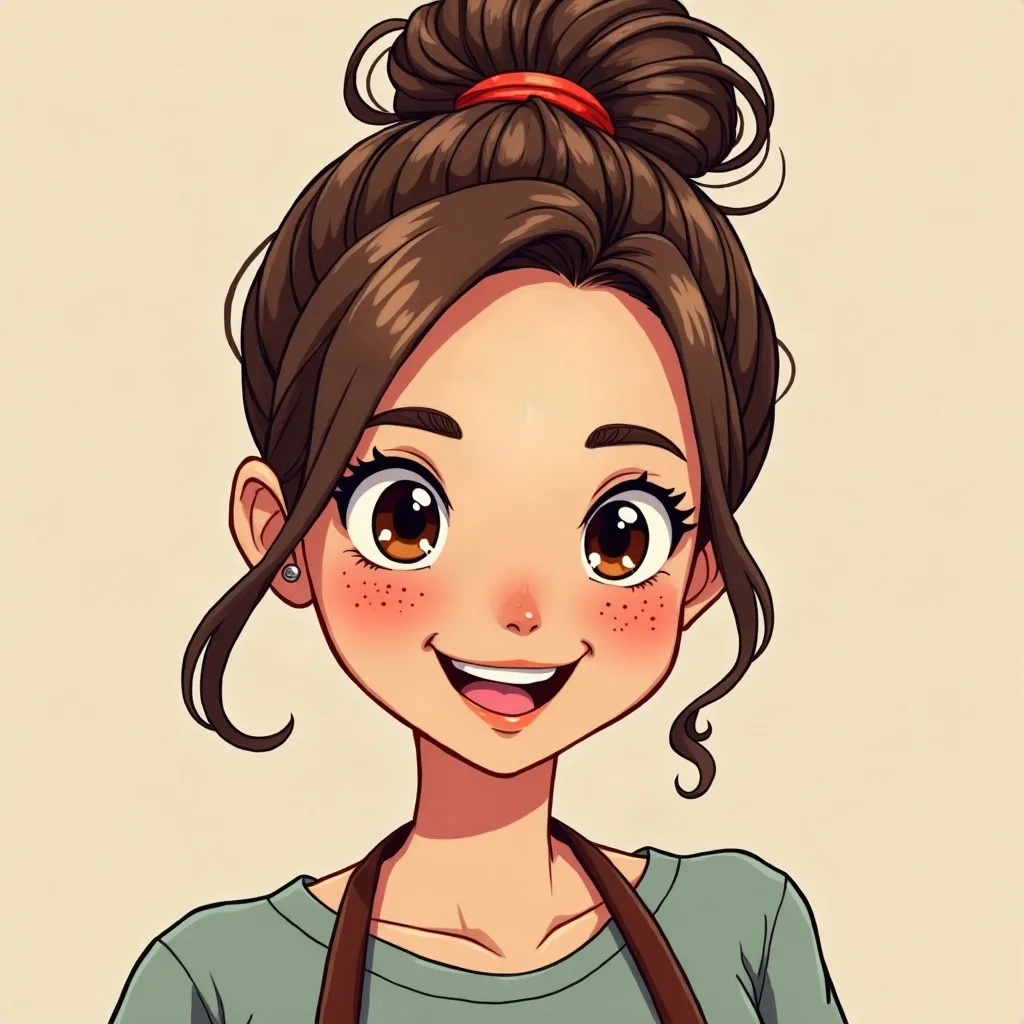
Anime and 3D cartoon styles are reliable here because they simplify features. The prompt should name the person and the one prop you want people to notice — “a barista with freckles and a messy bun” is better than “a cool avatar”. Discord recommends a 128×128 upload, but we generate 1024×1024 so the image also works on YouTube, Twitch, or a server banner later. Use the circle preview on the next screen as your final test.
Prompt notes
These are specific to anime. The same prompt in another style will produce something different.
Mentally draw a circle inside the square. Ears, glasses arms and corner props are the first things to go. Center the face and keep the shoulders low.
Discord’s circle is centered. If the eyes sit high or far to one side, the crop will make the expression look accidental.
Dark hair against a light background, or a bright hood against a dark one. In a member list, shape contrast is most of what people see.
Earrings, tiny badges and text in the corners will be cropped. Spend the detail budget on the face and one prop near the center.
Discord is mostly dark. A muted cream background or a warm mid-tone often separates better than pure black or pure white.
Examples
A few questions
Something not covered? Email support@avatarsay.com. A person replies, usually within one business day.
Keep looking