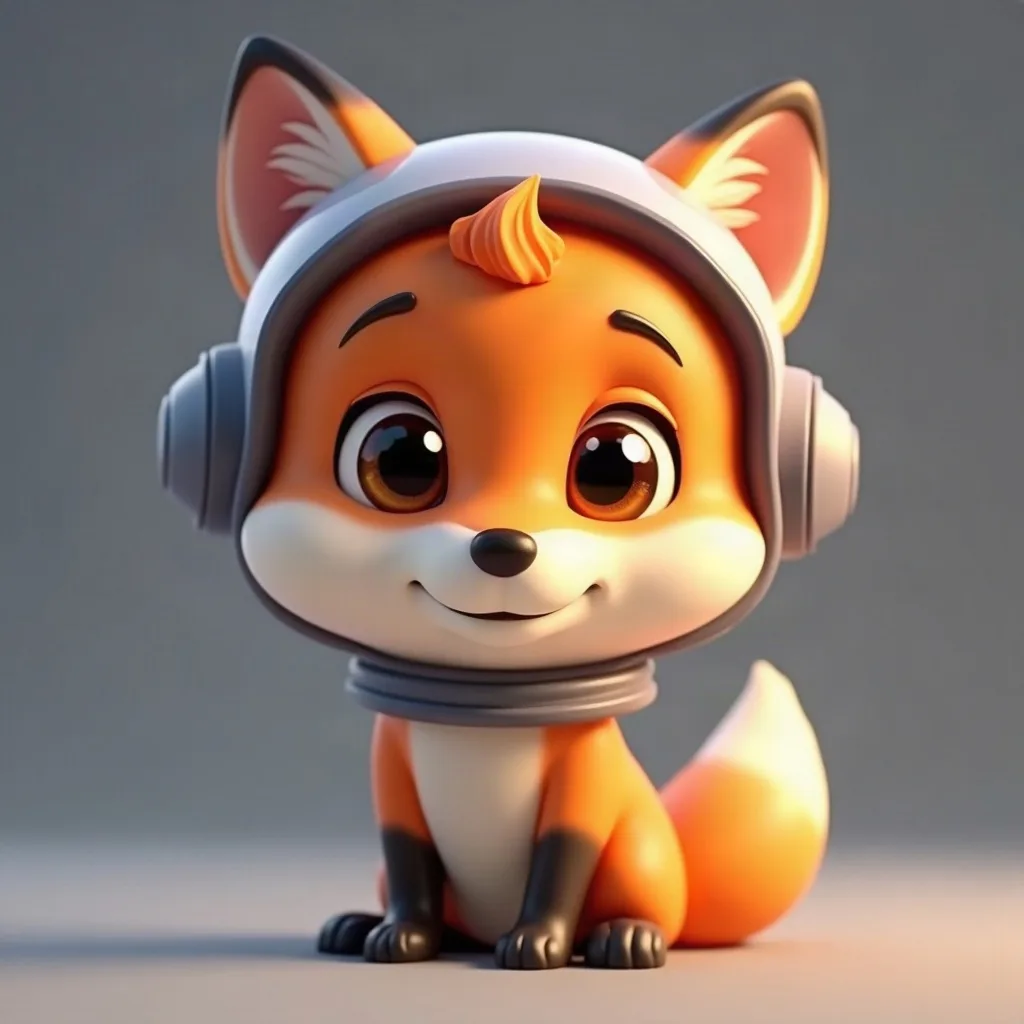
a friendly fox astronaut with a tiny helmet
Style guide
Soft shapes, believable light, and a face that feels friendly before it feels clever.
4 credits for two avatars 30 free credits to start
Why this style works
Rounded 3D shapes and warm light produce instantly friendly avatars that survive tiny profile frames.
Uploads and prompts are private. Never used to train models.
A recent example
Example a friendly fox astronaut with a tiny helmet
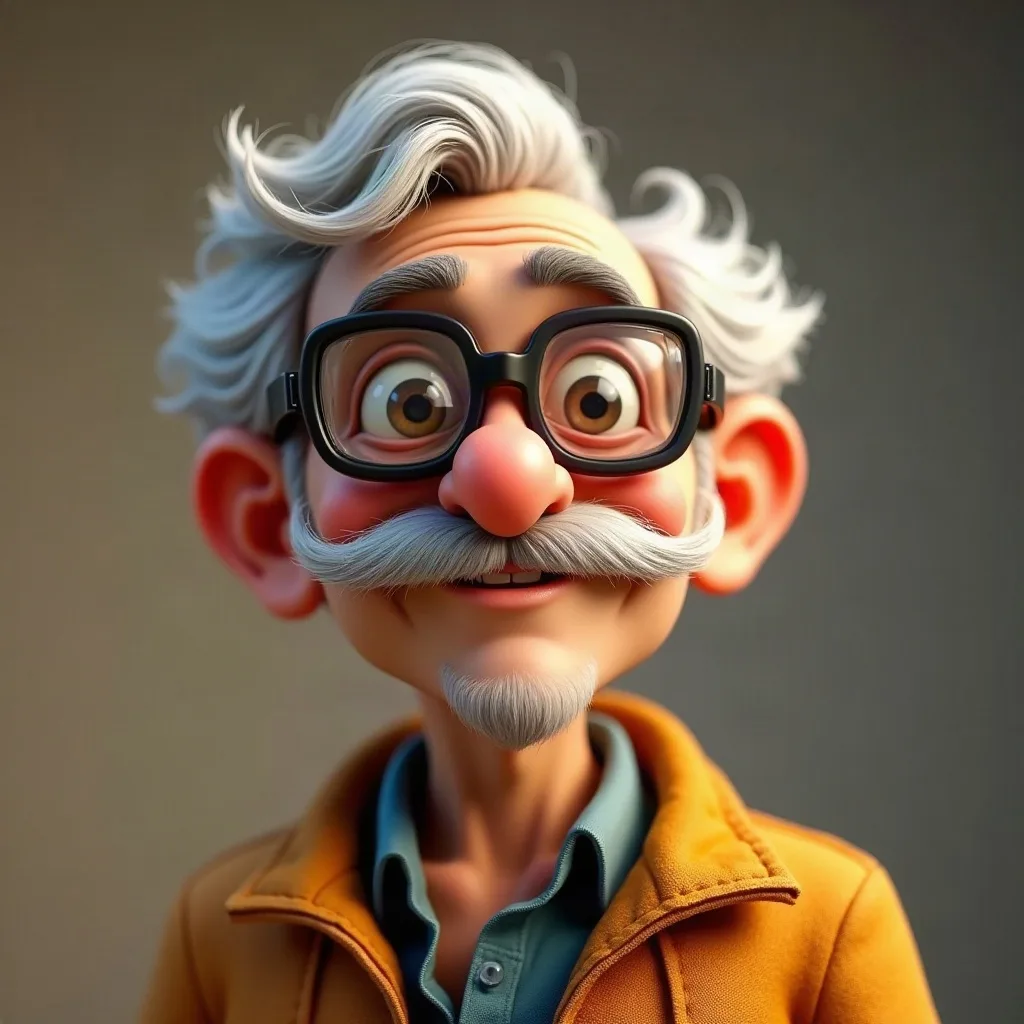
a grandpa inventor with goggles and a bushy mustache
Sketching…
WorkingYour avatars
Saved to your Dashboard. Click Make it talk to give either one a voice.
Something went wrong.
Using the style
3D cartoon avatars work because soft shapes read as friendly before you have processed any detail. Think rounded glasses, a hood, a slightly oversized collar — objects that cast a little shadow and tell people what the character is about. Describe a lighting mood too (“soft studio light”, “warm window light”) because this style leans on shading. Keep the frame head-and-shoulders; a full-body shot loses the face at profile size.
Warm palettes tend to hold up better against Discord’s dark theme and YouTube’s white background. Avoid hyper-detailed costumes that turn to noise on a 48px avatar, and avoid the glossy “toy render” look by naming an age and a small imperfection: a chipped tooth, a tired eye, a scarf with a loose thread. If you are making a talking video, choose a face with a clear, unobstructed mouth and eyes that face forward.
Prompt notes
These are specific to 3d cartoon. The same prompt in another style will produce something different.
Round, boxy, tall, soft. “A round-faced inventor with a boxy satchel” gives the renderer a silhouette to build, not just a list of clothes.
Soft studio light, warm window light, a cool rim light. Directional light is what makes 3D read as 3D rather than a flat illustration.
An oversized helmet, a tiny cup, a too-big scarf. Scale contrast is the quickest way to add character without adding clutter.
Pure white can wash out pale characters; near-black can swallow dark hair. A muted warm grey or desaturated color works almost everywhere.
Ask for head and shoulders. Feet and hands cost detail budget that is better spent on the face at avatar size.
Examples


A few questions
Something not covered? Email support@avatarsay.com. A person replies, usually within one business day.
Keep looking