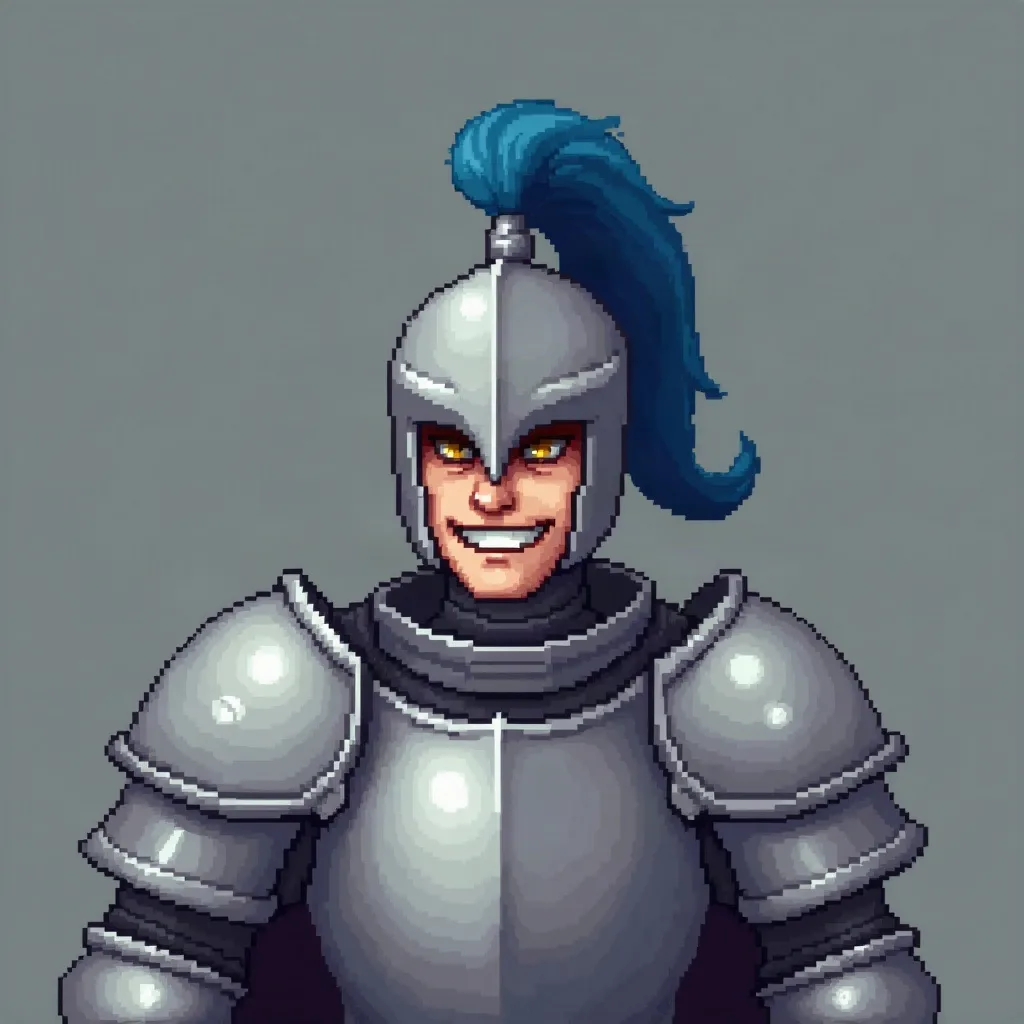
a knight with a blue plume and a crooked grin
Use case
On a dark chat, contrast is the brand. One accessory is the memory hook.
4 credits for two avatars 30 free credits to start
Why this preset
Pixel art’s hard edges and limited palette cut through Twitch’s dark chat better than soft, low-contrast art. It is preselected below.
Uploads and prompts are private. Never used to train models.
A recent example
Example a knight with a blue plume and a crooked grin
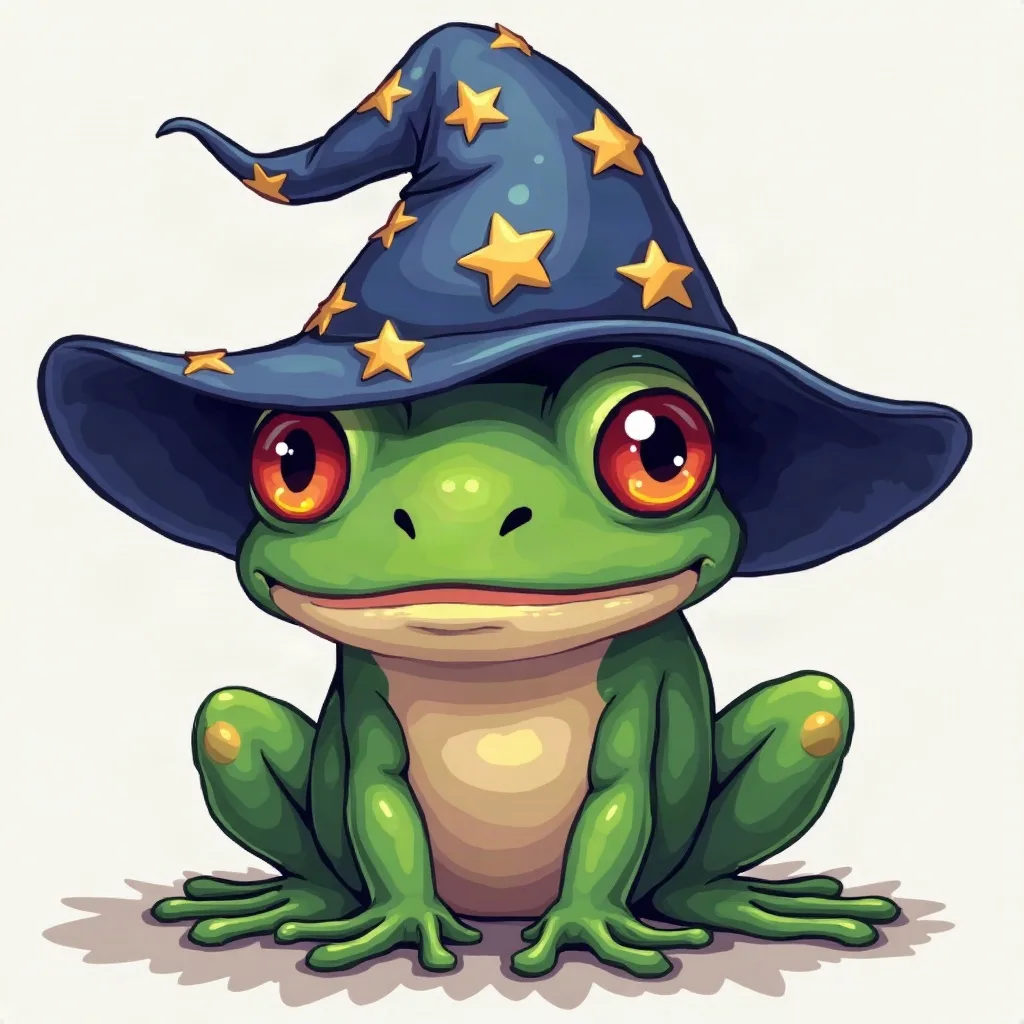
a wizard frog with a starry hat
Sketching…
WorkingYour avatars
Saved to your Dashboard. Click Make it talk to give either one a voice.
Something went wrong.
The practical case
Twitch is a dark interface, so an avatar with a bright edge or a strong silhouette tends to pop in chat. Your picture is shown as a circle beside messages and as a larger square on the channel page, which means the crop has to work both ways. Keep the face centered, leave a little breathing room at the edges, and choose a background that separates from the dark UI — warm cream, muted red, or a cool grey.
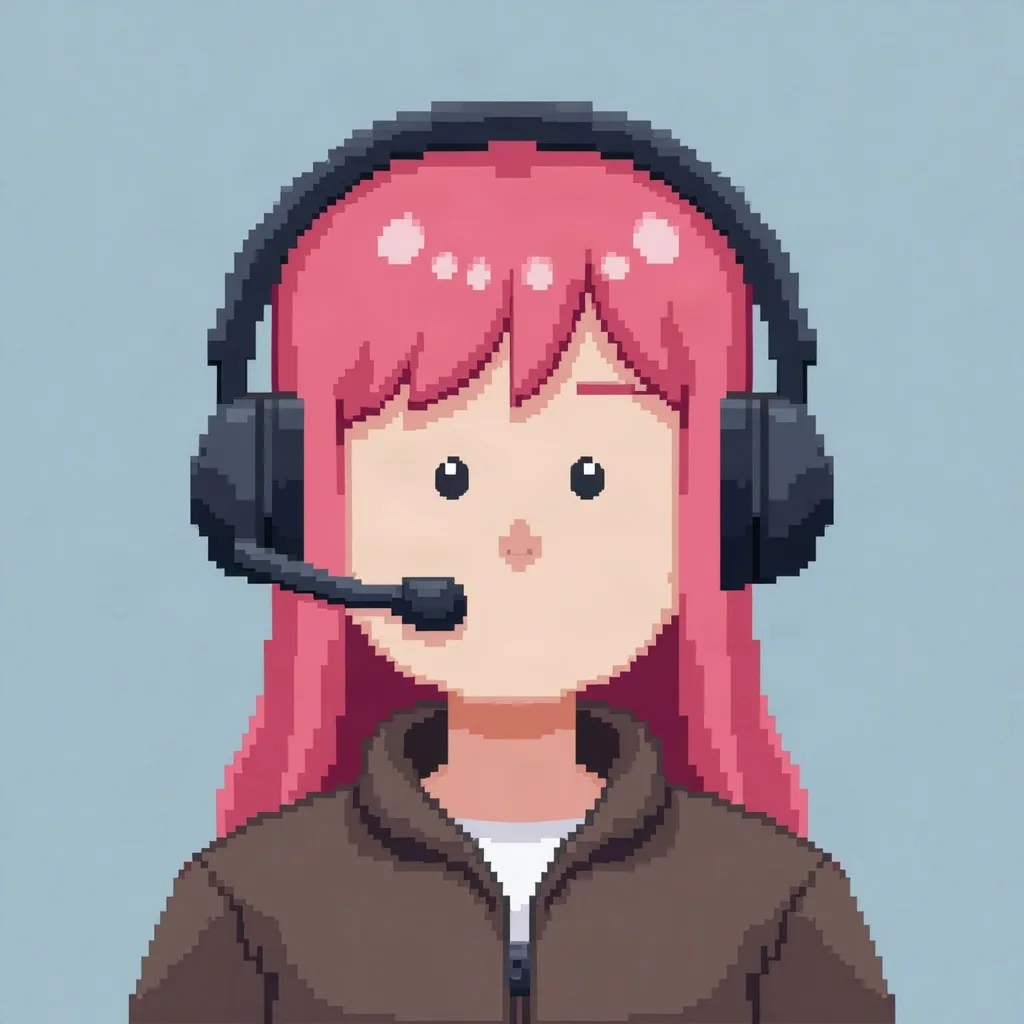
Pixel art and anime styles suit stream culture, but the practical rule is contrast. Ask for one recognizable accessory: headphones, a hood, a streak of color. That is what regulars will remember when they see the tiny version in chat. Twitch accepts 256×256 for the profile image; our 1024×1024 export gives you room to crop, future-proof the channel, and reuse the same face on your panels and social posts.
Prompt notes
These are specific to pixel art. The same prompt in another style will produce something different.
A dark hood on a dark background disappears. Use a warm cream, muted red, or cool grey behind the head, and keep a lighter rim on one side.
Headphones, a cap, a streak in the hair. One memorable object is better than a detailed costume that turns to noise at chat size.
The channel page uses a larger square; chat uses a circle. Keep the important parts near the center and let the corners be expendable.
Hair strands, wires and tiny text vanish below 64 pixels. Use bold shapes and color blocks that hold their edge.
If your stream already has a color or mascot, name it in the prompt. Consistency across avatar, panels and alerts makes a channel feel built, not decorated.
Examples

A few questions
Something not covered? Email support@avatarsay.com. A person replies, usually within one business day.
Keep looking